
Torch Levers
The switch that is not a switch: a normal lever wearing a torch costume.
Wired
gg:torch_lever⧉ · gg:soul_torch_lever⧉
Outputs power 15 into dust, pistons, lamps and redstone doors. Behaves exactly like a vanilla lever — it just looks like a torch.
Wireless
gg:torch_lever_remote⧉ · gg:soul_torch_lever_remote⧉
Outputs nothing. Link it to one door and it opens that door through walls, from any distance, without a wire in sight.
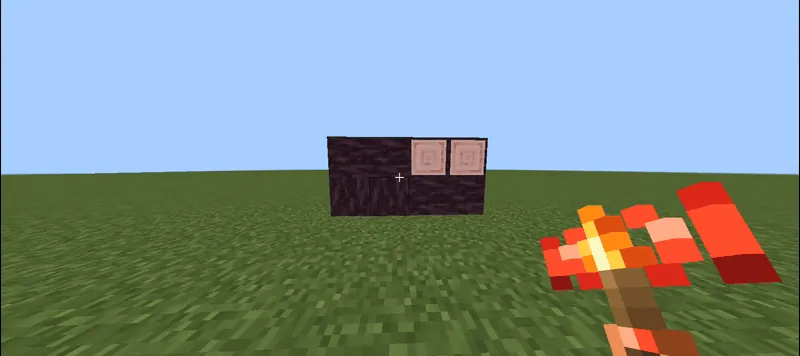
The four gestures
| Gesture | Where | Result |
|---|---|---|
| Shift + tap | Any decoy door or trapdoor | Stores the link in the torch you are holding — place it anywhere |
| Shift + tap | An already placed wireless torch (holding a torch) | Copies its link, so you can build a second remote for the same door |
| Shift + tap, empty hand | An already placed wireless torch | Removes the link and frees the torch |
| Tap | A linked torch | Opens or closes its door through walls — including a paired double door |
Sharing
Every player can link their own torch to the same door; all linked torches stay in sync. Links survive reloads and pack updates — they live in world dynamic properties, sharded.
Recipes: 07–10 · the four torch crafts. Power rules: Redstone & wireless.
Wired versus wireless
| Family | IDs | Redstone output | Use |
|---|---|---|---|
| Wired | gg:torch_lever, gg:soul_torch_lever | Power 15 | Vanilla lever behaviour: dust, pistons, lamps, redstone doors. |
| Wireless | gg:torch_lever_remote, gg:soul_torch_lever_remote | 0 | Opens one linked door through walls from any distance. |
The four gestures
| Gesture | Where | Result |
|---|---|---|
| Shift + tap | Any decoy door or trapdoor | Stores the link in the torch you are holding; place it anywhere. |
| Shift + tap | An already placed wireless torch, holding a torch | Copies its link so you can build a second remote for the same door. |
| Shift + tap, empty hand | An already placed wireless torch | Removes the link and frees the torch. |
| Tap | A linked torch | Opens or closes its door through walls, including a paired double door. |
Feedback and multiplayer
Every action answers with a coloured message, a chat line, and a short chime, so you always know whether the link took. A redstone-only door explains itself when you tap it empty-handed. Every player can link their own torch to the same door; all linked torches stay in sync.